Record interface inputs, Recorder Plugin channels, or the integrated Looper output as individual tracks.
AudioBin Recorder · macOS and Windows
Record everything.Quickly!
Aye, Captain—every channel!
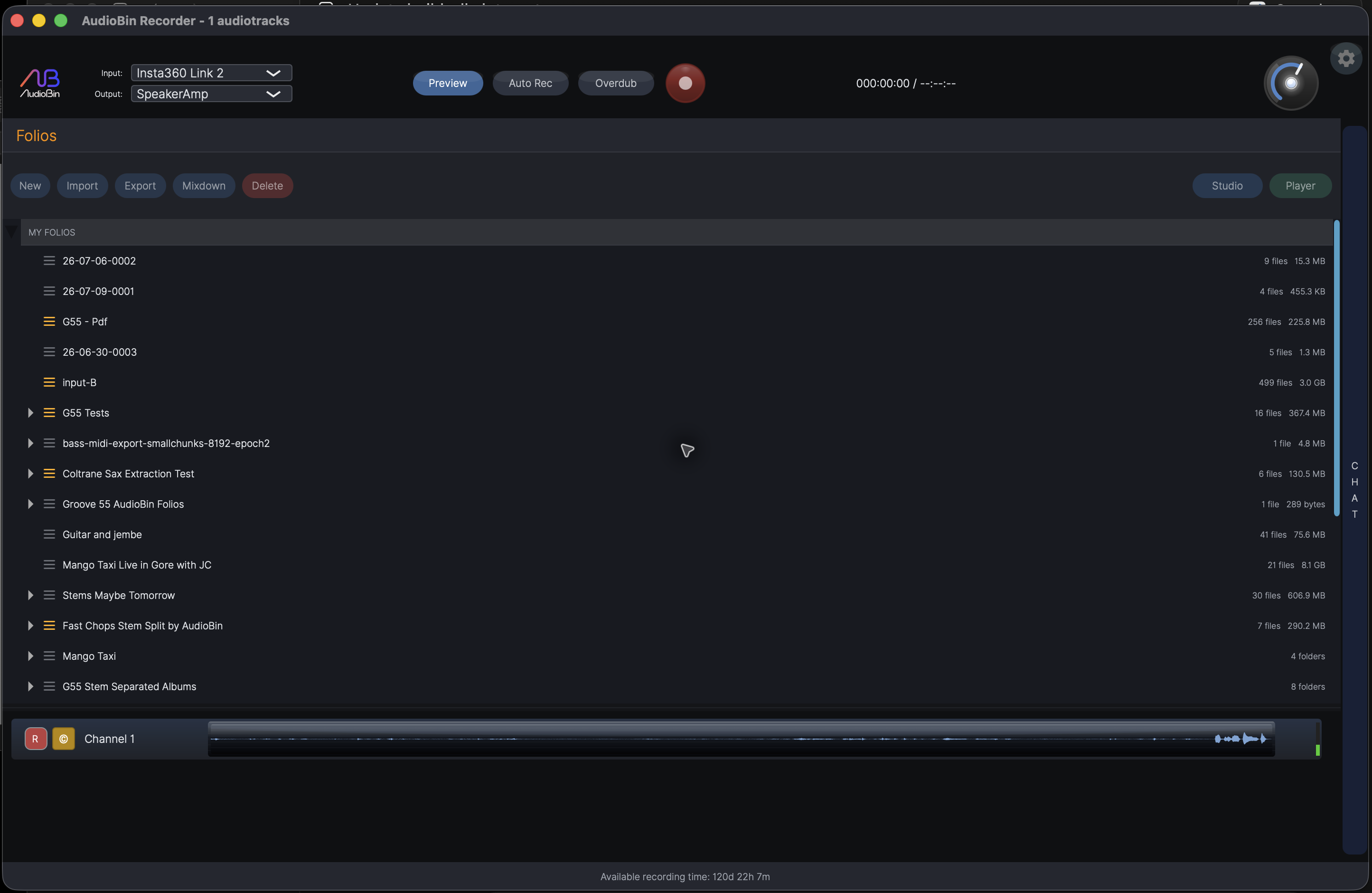
What the Recorder does now
The whole session, from inputs to a finished rough mix.
A complete first pass of the Recorder's current controls and capabilities.
- Multichannel WAV capture
- Input and output device selection
- Selectable recording sample rate
- One-touch Record and Stop
- Per-track record arming
- Signal-aware Auto Record
- Overdub into the selected session
- Recorder view and input monitoring
- Synchronized local playback
- Play and Pause
- Stop and return
- Timeline seeking
- Selection playback and looping
- A full playback mixer
- Per-track volume
- Per-track pan
- Per-track mute
- Per-track solo
- Per-track compression
- Full per-track reverb controls
- AutoMix fader automation
- Stereo mixdown
- Mastering at mixdown
- Email finished mixdowns
- Looper output becomes tracks
- DAW stems on bounce
- AI Assistant
- Portfolio and session browser
- Selectable recording destination
- Add a Portfolio folder
- Import audio, MIDI, and video files
- Export session files
- Open sessions in installed DAWs
- AAF and DAWproject export
- Remove registered Portfolio folders
- More actions menu
- AI stem splitting
- Timed lyric extraction and karaoke display
- Timed chord extraction and karaoke display
- Charts beside the music
- Local synchronized video
- Audio and MIDI together
- VSTi instrument assignment
- Audio-to-MIDI conversion
- Experimental instrument controls
- Per-track rights and copyright metadata
- Fit every track to the waveform view
- Playlist mode
- Previous playlist item
- Next playlist item
- Playlist shuffle
- Repeat playlist or repeat one
- Trim to the ruler selection
- Play sessions from a network folder
- Portfolio publishing settings for authorized accounts
- Open a published Portfolio
- Switch to playback after recording
- Numbered-take and overdub recording modes
- Audio device settings
- Scan and register audio plug-ins
- Configure local AI service keys
- Five Recorder themes
- English, French, and Spanish interface
- AudioBin login and logout
A local signal path
Capture, balance, and finish without leaving Recorder.
The same local tracks move through recording, automated mixing, and mastered stereo export. There is no upload stage in this workflow.
Mix by hand or calculate AutoMix automation that follows the changing density of each track.
Render through EQ, compression, maximizer, and limiter to create the finished stereo mix.
Recorder + Looper
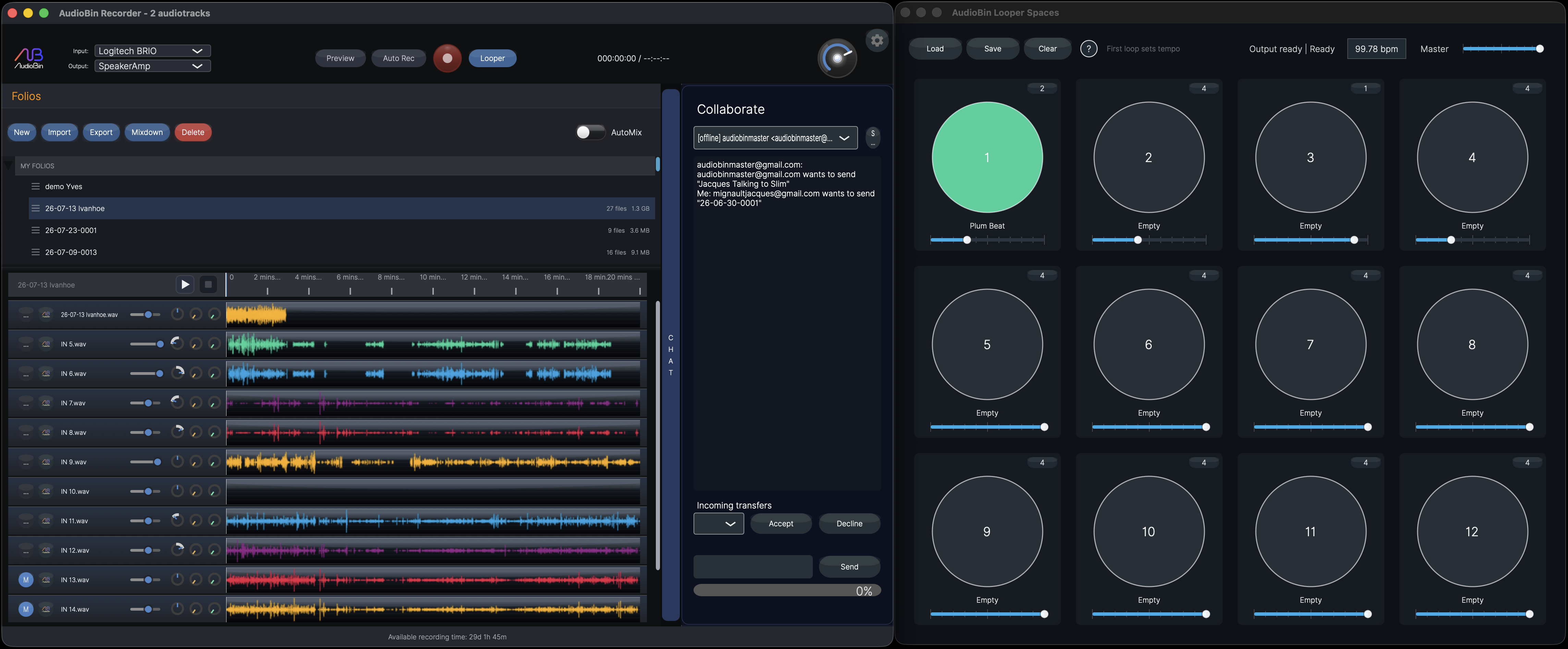
A real session with the Looper piggybacked.
Recorder keeps the local session, waveforms, AutoMix, transport, and collaboration panel in view while AudioBin Looper runs as its own full companion window.
One installer
Recorder and its two companions.
The installer contains exactly these AudioBin products.
Desktop application
AudioBin Recorder
Record, play, mix, automate, master, and organize local sessions on macOS or Windows.
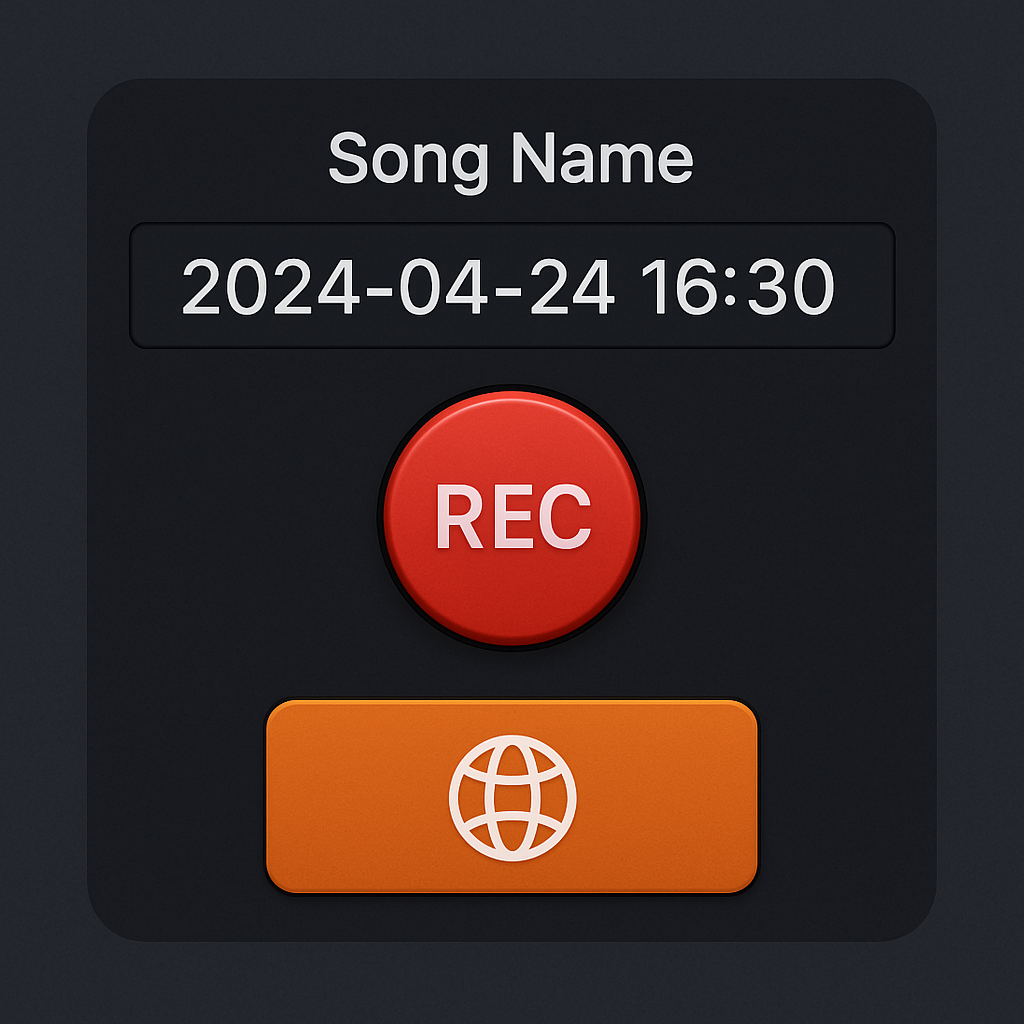
DAW capture
AudioBin Recorder Plugin
Capture DAW channel stems during a bounce. macOS includes AU and VST3; Windows includes VST3.
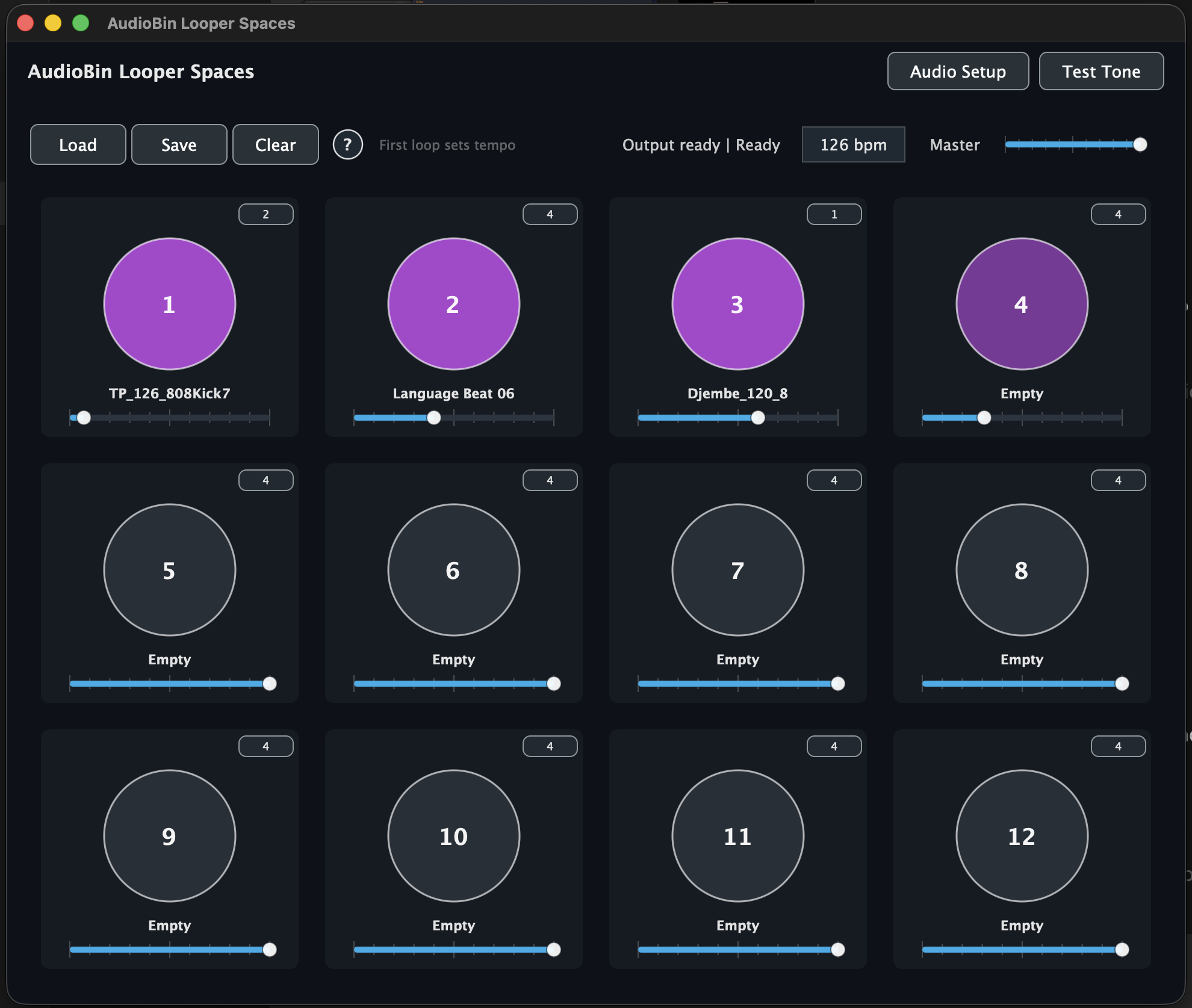
Standalone and instrument plugin
AudioBin Looper
Build loop performances in the standalone app or AU/VST3 instrument, and record its stereo output inside Recorder.
Current release
Request AudioBin Recorder
The installer contains AudioBin Recorder, AudioBin Recorder Plugin, and AudioBin Looper.
Choose macOS or Windows and we will send the appropriate installer.